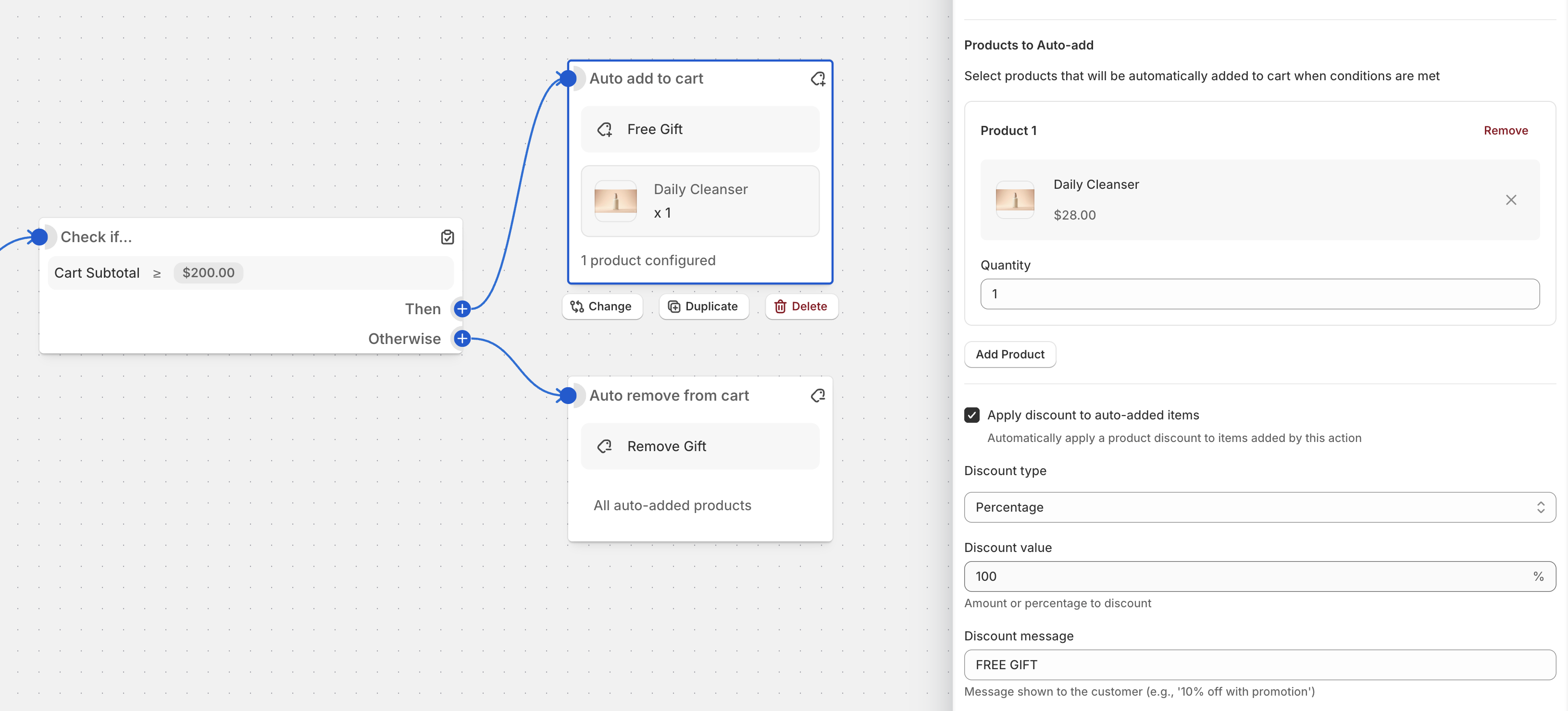
Gift With Purchase / Auto Add to Cart on Shopify
Learn how to use Promotions to set up a Gift with Purchase campaign.
To set up this promotion:
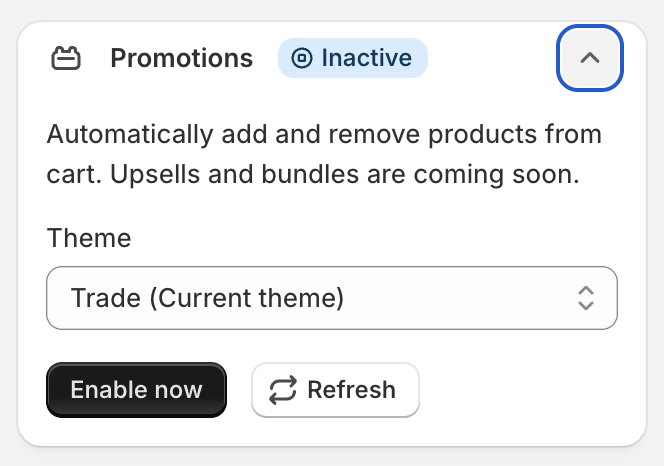
Activate the Promotions runtime block:
Go to Promotions
Click Create Promotion
Select Auto-add Gift on Subtotal or any other template
Change the subtotal amount
Select a product
Select a product that should be added automatically when the threshold is reached and change discount message if needed